
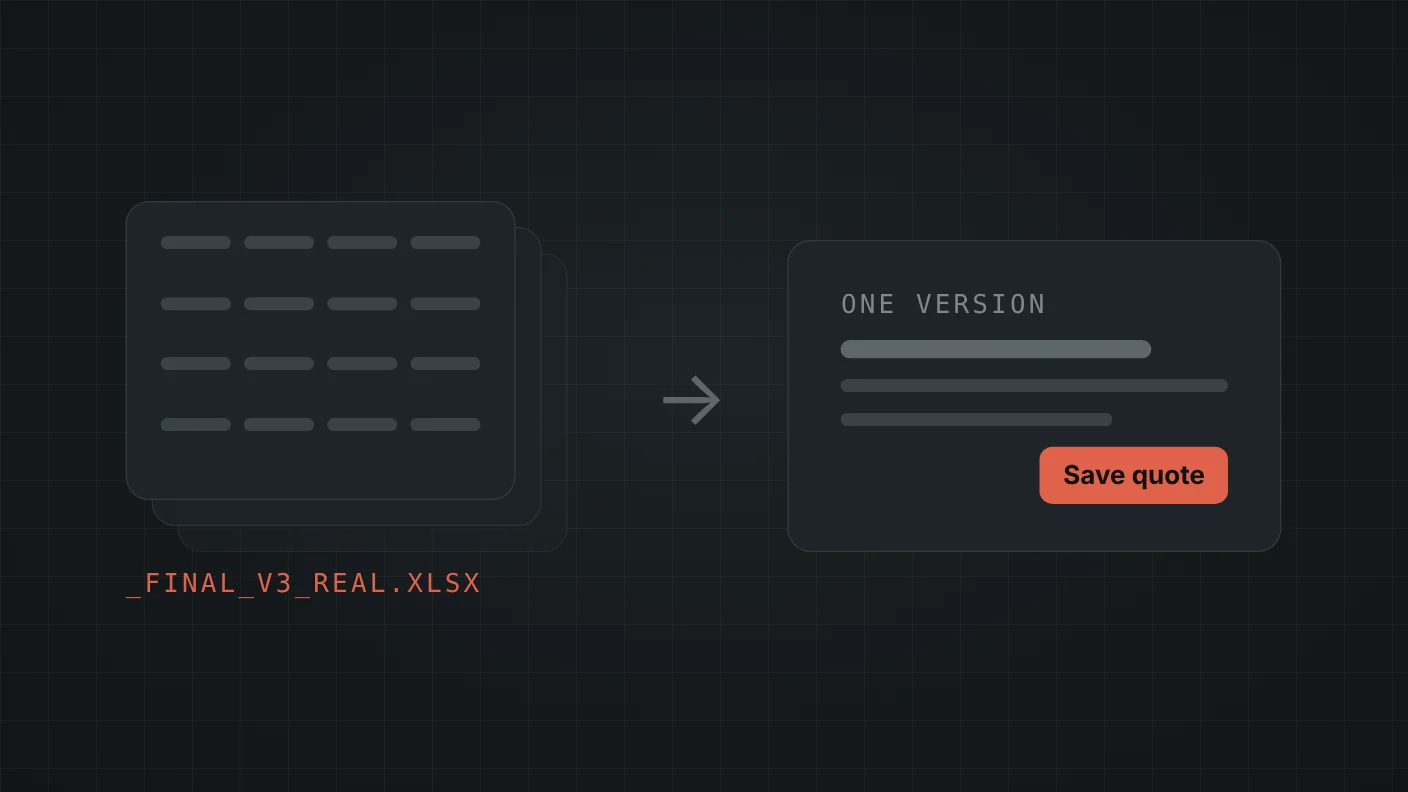
Five signs your spreadsheet should be a web app
- There are copies. "Quotes_final_v3_REAL.xlsx" on two laptops and one in email.
- A wrong formula has cost you money. A discount applied twice, an area calculated in the wrong units.
- One person understands it. When they're on vacation, quotes wait.
- You can't find last month's work. Searching means opening files one by one.
- Prices change and nobody is sure every sheet got the update.
If two of those sound familiar, the spreadsheet has become a system. It just doesn't behave like one.
A real case: quoting for an installation company
Mallas Trujillo installs safety nets. Before, each quote was done by hand: measure on site, calculate the area, apply the right discount, build the document. Each quote was effectively its own spreadsheet, and arithmetic mistakes meant either losing money or an annoyed customer.
I built them a quoting tool that turns that process into a form and a printable quote. Three decisions mattered most:
- Prices live in a table the owner edits, not in code. The price per square meter and three area-based discount tiers change without calling a developer.
- The server recalculates everything on save. The form shows live totals, but the saved quote is computed again from the stored items, in one transaction. A tampered or stale screen can't produce a wrong quote.
- History is searchable by name and phone, and any past quote can be reused as a template.
The quote prints to PDF straight from the browser, with no extra library to maintain.
What changes when Excel becomes a web app
- There is one version. Everyone opens the same thing, from a phone or a laptop.
- The rules are enforced. Nobody can type over a formula.
- Every record has a date and an author.
- Access is per person, and can be removed when someone leaves.
How the move happens, step by step
- Map the spreadsheet. Every column, every formula, every rule that lives in someone's head ("we never discount below 20 square meters").
- Write the rules down and agree on them before any code. This step alone often fixes two or three mistakes the sheet had for years.
- Import the existing data, so the history isn't lost.
- Run both in parallel for a week or two. Same quote in the sheet and in the app; if the numbers differ, one of them is wrong and now you know which.
- Retire the spreadsheet for data entry, and keep it for analysis if you like.
What to keep in Excel
Analysis. Excel is excellent for looking at numbers, trying scenarios and building a report for yourself. The web app should export to Excel, not replace it for everything. Moving the data entry and the rules out of the spreadsheet is usually enough.
What it costs
A focused web app like a quoting tool or an order tracker starts at $1,200 with me, at a fixed price agreed before starting. What moves the price is the number of screens and rules, not the hours.
The honest part: if your spreadsheet has one user and no copies, you probably don't need this yet. Lock the formula cells, keep one shared file and revisit when one of the five signs shows up.